Every time you type a keyword into Google, the page that appears in front of you is the SERP — the search engine results page. People in SEO talk about the SERP every day, yet not everyone reads it properly. Understanding the SERP explains why "ranking number 5" isn't always the same thing twice, and why rank tracking only makes sense in the context of the whole results page.
What is a SERP?
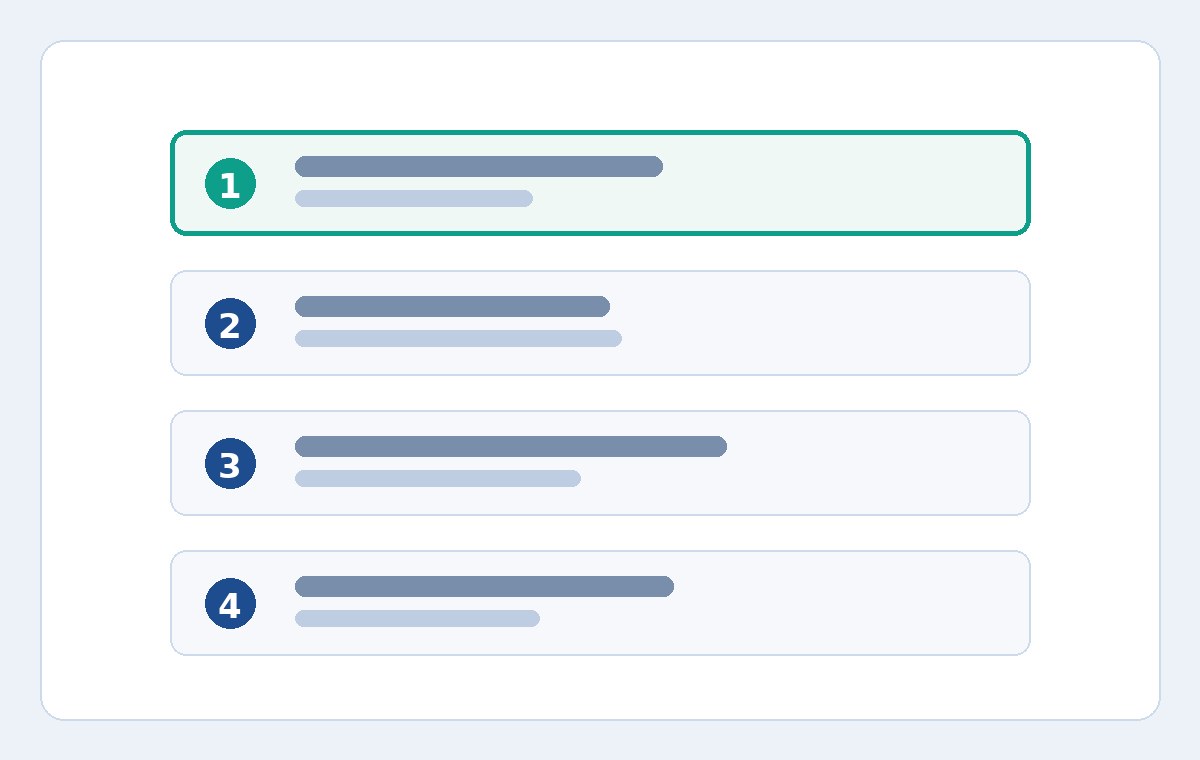
SERP stands for Search Engine Results Page. It's everything Google returns for a query: the list of web pages, plus many other blocks of information such as ads, a quick-answer box, maps, images, videos or news. A page's position within the SERP is its ranking for that keyword.
The important thing is that the SERP is not the same for everyone, all the time. For the same keyword, a searcher in Hanoi and a searcher in Ho Chi Minh City may see two different results pages; searching on a phone versus a computer differs too. That's why a ranking number only means something when it comes with its measurement conditions: country, device and time of measurement.
Common elements you'll find on a SERP
Ads
At the very top, Google usually shows paid results, labeled as ads. These positions are not organic rankings and say nothing about a website's SEO strength. When reading a SERP, draw a clear line between ads and organic results — otherwise you'll conclude that a competitor has "shot to the top" when all they've done is buy advertising.
Organic results
This is the list of web pages Google considers most relevant to the query, ordered from top to bottom. The ranking SEOs track is the position within this list. The first page typically holds 10 organic results, and breaking into the Top 10 or Top 30 are important milestones for judging visibility.
Featured answer boxes and other special blocks
For many question-style queries, Google displays an answer box pulled from a web page right above the organic results — often called position zero. There are also blocks such as "People also ask", local maps, and image or video carousels. These blocks take up screen space and push the organic results further down, so a page in position 4 may be seen far less than you'd expect.
Why the same ranking can be worth very different amounts
A ranking is a number, but its value depends on the SERP layout at that moment. For a keyword whose results page is almost purely an organic list, position 3 is extremely valuable. For a keyword with ads, an answer box and a map above it, position 3 might sit below the fold, where few people ever scroll.
Another factor is search intent. The same website can rank well for an informational keyword and poorly for a buying keyword, because Google judges pages differently for each type of intent. When a keyword drops, the first question should be: does the landing page still match what the searcher is actually looking for?
Reading the SERP to improve your rank tracking
- Identify your real competitors on the results page: your true rivals are the pages ranking organically alongside you, not the ones running ads above.
- Note the SERP layout when rankings move: if your ranking holds steady but traffic falls, Google may have added a new information block that's taking up space above you.
- Compare by device: on a phone, the smaller screen means special blocks take up proportionally more room; a keyword that ranks well on desktop may not display nearly as well on mobile.
- Track by country: for a website serving customers in Vietnam, rankings should be measured on Google Vietnam (google.com.vn), not the international version, because the two results pages can differ completely.
To track consistently and compare fairly between periods, you need one fixed measurement method instead of ad-hoc manual checks done differently each time. The guides on measuring correctly are gathered in the Keyword.help blog, and if you'd like to start tracking right away, you can look at the plans that fit you at the pricing page.
There's one more subtlety worth remembering: SERP layouts change over time. Google regularly tests new blocks, moves existing ones, or expands the answer box for certain query types. A layout change can quietly alter the value of every position on the page overnight, even when no website's actual ranking has moved. That's why seasoned SEOs, upon seeing traffic shift without any ranking change, check the current layout of the results page before touching the content itself.
Common mistakes when reading a SERP
Looking only at the position, never the context
Two websites can both rank sixth while one sits right below an answer box and the other is pushed down by ads and a map — a completely different visibility experience. Always look at the whole results page, not just the number.
Checking manually and drawing conclusions
What you see on your own computer is personalized by your account and your location. A single manual check cannot represent your true ranking. Data used for decisions must come from a consistent method, repeated identically every time.
Mistaking ads for organic rankings
Seeing a competitor at the top of the page and rushing to declare them "great at SEO", when it may simply be a paid ad. Telling these two result types apart is the most basic SERP-reading skill — and the one most often skipped.
Conclusion
The SERP is the context that decides what a ranking is worth. Understand the elements on the results page, separate ads from organic results, and always attach a ranking number to its specific measurement conditions — that's how experienced SEOs read a SERP, and it makes every ranking movement far easier to explain.