A motorbike repair shop owner checks Google from his own phone and sees his shop at the top of the local pack for "motorbike repair". He feels reassured. But a customer three kilometres away searching the same keyword does not see his shop at all, because Google ranks local results by distance from the searcher. A local pack or Google Maps ranking is not one fixed number per keyword. It is a map: strong nearby, weak further away. Tracking local rankings therefore means tracking by area, not by a single point.
The local pack and Google Maps are two different races
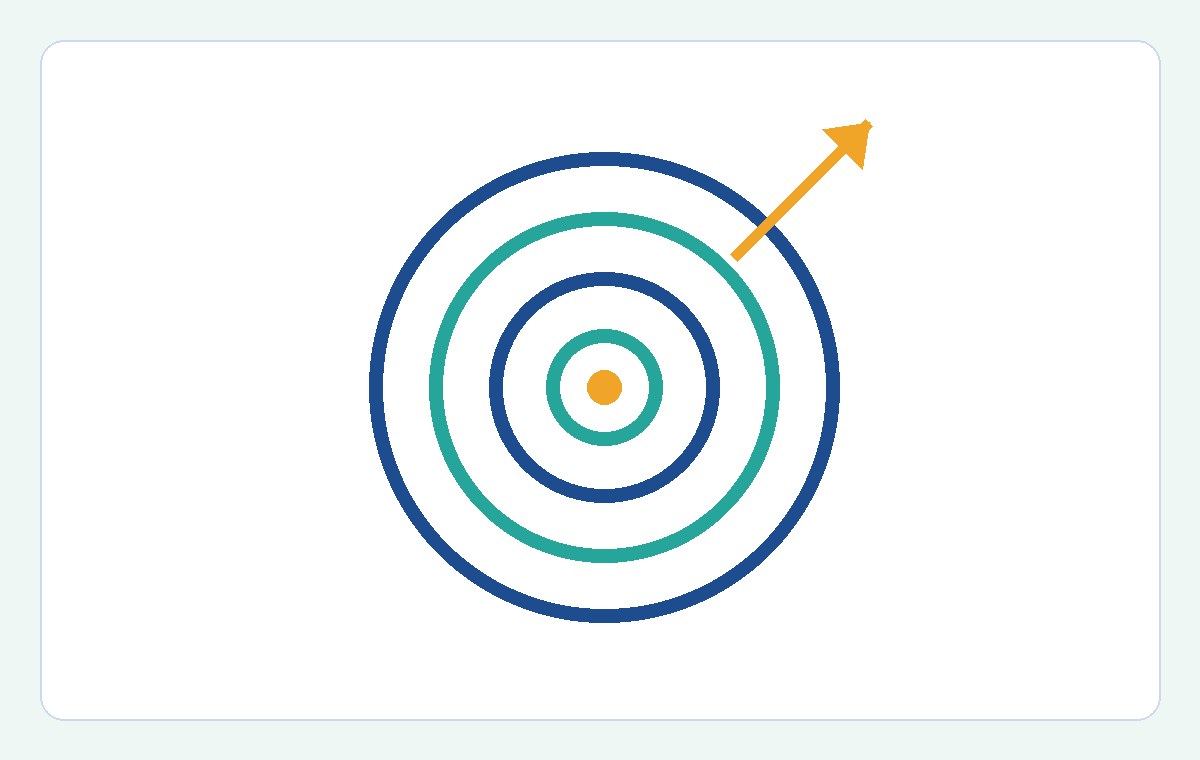
When a user searches for a local service, Google shows two different things: the local pack, a box with a small map and three businesses at the top of the search results, and Google Maps, a longer list that appears when the user opens the map. Both draw on your Google Business Profile, but your position in the local pack and your position in Maps can differ for the same keyword. So track the two separately: your local pack ranking tells you whether you appear in the three-result box people see immediately, while your Maps ranking tells you where you stand when someone opens the map to look. A business can be strong in the local pack but weak in Maps, or the reverse, and the fix for each case is not the same.
Three factors decide local rankings: relevance, prominence, distance
Google publicly names three factors for local results: how relevant the business is to the keyword, how prominent the business is, and the distance from the searcher to the business. Relevance comes from your business categories, service descriptions and website content. Prominence comes from reviews, photos, profile activity and how often the business is mentioned online. Distance is the factor you cannot change with content: the further away the searcher is, the lower your ranking falls. Understanding these three factors helps you read ranking data correctly: if rankings drop in far areas but hold near you, that is distance, not a content problem; if they drop near you as well, look at your business profile and reviews.
The office-check trap: you always see yourself ranking high
The most common mistake in checking local rankings is checking from your own business location. From your office or shop, Google will always favour showing your own business because you are right there, so you will see yourself ranking high even though customers elsewhere cannot find you. Incognito mode does not fix this, because it hides your search history, not your location. A standard rank tracker has the same blind spot when it checks from one fixed point and reports a single number: that number hides the streets where customers cannot find you, which are exactly the streets you need to know about. To see your real rankings, you have to check from many different points across your service area.
Grid tracking: a ranking is a shape, not a number
The right way to track map rankings is with a grid: divide your service area into a grid of points, for example seven by seven, then run the same keyword from each point and record where your business appears at that point. The result is a coloured map: green cells around your address are where you sit inside the local pack, red cells at the edges are where competitors take over. A grid shows your true footprint: the share of green cells out of all cells is the number most worth watching, because it tells you how much of your service area actually sees you. When the green area shrinks over time, you know you are losing ground; when it grows, you know your efforts are working. If you want to learn how to organise rank tracking by area, read the guides in the the Keyword.help blog of Keyword.help.
Reading the grid: green cells, average rank and the edge
When reading grid results, do not look only at the average rank across the whole grid. An average hides the shape: an average rank of six could mean rank one on the half of the grid near you and rank twelve on the other half, or rank six evenly everywhere — two situations that need completely different fixes. Read three things instead: the share of green cells, meaning the share of points where you sit inside the local pack; the position of the edge, the boundary beyond which competitors start beating you; and the direction the edge moves across scans. If the edge is creeping closer to you, a nearby competitor is getting stronger or your profile is getting weaker. Scanning the grid once a week, on the same day, is enough for most local businesses.
Keep a change log next to your ranking data
One grid scan is only a snapshot. The real value comes from repeating it and noting what changed between scans: a changed primary category, new photos added, reviews replied to, a competitor opening nearby, or a Google local algorithm update. Without a log, you will see rankings change without knowing why, and you will learn nothing from it. Each time you scan, write one short line next to the result. After a few months, that log will tell you exactly which actions expanded your green area and which ones did nothing. If you also need to track website rankings alongside map rankings, you can check the the pricing page to pick a plan with enough keywords for both kinds of rankings.
Conclusion
Local pack and Google Maps rankings are not a number but a coverage area: strong near your location, fading with distance. Do not check rankings from your own office, do not trust a single number for a whole area, and do not confuse local pack rankings with Maps rankings. Pick a few keywords customers really use, scan a grid of points weekly, read the green share and the edge, and keep a change log next to every scan. Done this way, you will know exactly which streets can see you and which streets still need more work.